uploading administrative boundaries
step 1: download the administrative boundaries of Sri Lanka here.
step 2: extract the data.
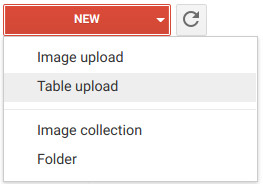
step 3: select the level 0 files
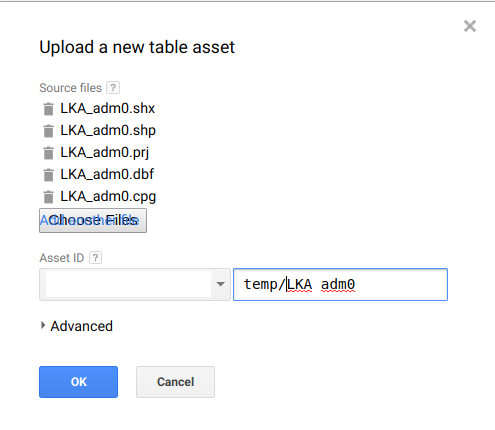
step 4: wait for the asset to be ingested.

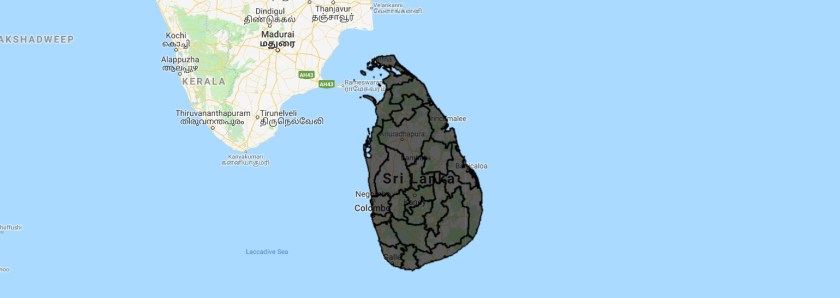
Step 5: display the file on the map.
Step 6: Upload the provincial boundaries.
Step 7: Filter the feature collection and display an province
var Matara = table.filter(ee.Filter.eq("NAME_1","Matara"));
Map.addLayer(Matara);
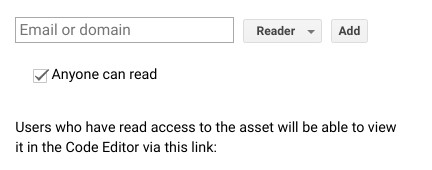
Step 8: Share your feature collection with anyone
 Open Geo Blog