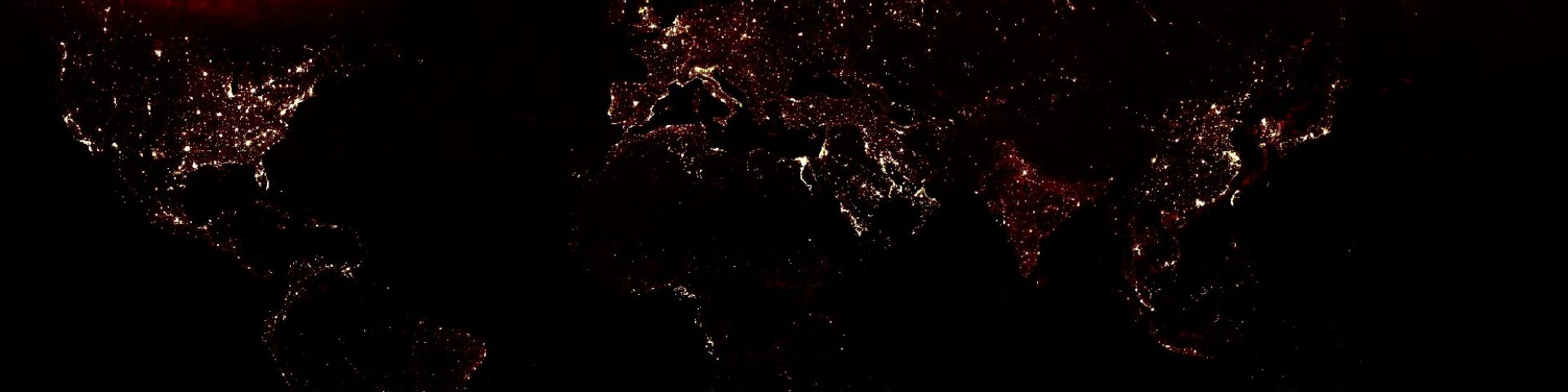
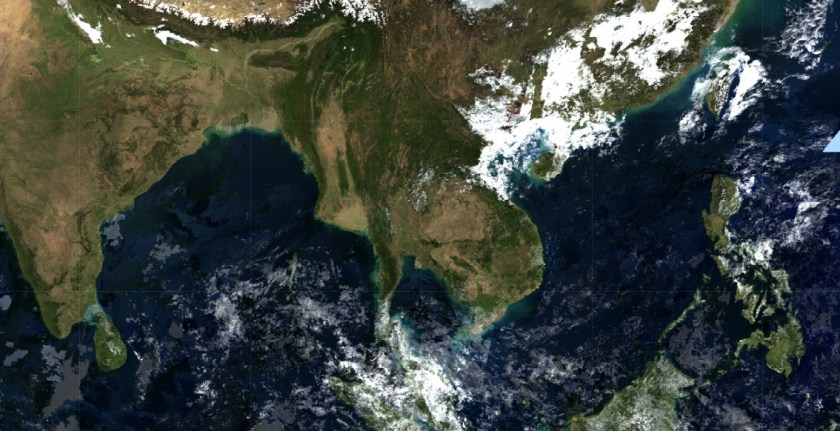
Extract the QA bits to mask clouds and cirrus
The code below uses the getQABits helper function to extract information from the stateQA band. Click here for the example.
// import data
var collection = ee.ImageCollection("MODIS/MOD09A1")

// Define dates
var iniDate = ee.Date.fromYMD(2010,1,1);
var endDate = ee.Date.fromYMD(2010,1,31);

// bands
var modisBands = ['sur_refl_b03','sur_refl_b04','sur_refl_b01','sur_refl_b02','sur_refl_b06','sur_refl_b07'];
var lsBands = ['blue','green','red','nir','swir1','swir2'];

// helper function to extract the QA bits
function getQABits(image, start, end, newName) {
    // Compute the bits we need to extract.
    var pattern = 0;
    for (var i = start; i <= end; i++) {
       pattern += Math.pow(2, i);
    }
    // Return a single band image of the extracted QA bits, giving the band
    // a new name.
    return image.select([0], [newName])
                  .bitwiseAnd(pattern)
                  .rightShift(start);
}


// create cloud free composite
var first = collection.filterDate(iniDate,endDate).first().select(modisBands,lsBands);

// vis parameters
var visParams = {bands:['red','green','blue'],min:0,max:3000,gamma:1.3};
Map.addLayer(first,visParams,"first image rgb")


/*Bits 8-9: Cirrus detected
    0: None
    1: Small
    2: Average
    3: High*/
var cirrus =   getQABits(collection.filterDate(iniDate,endDate).first().select('StateQA'),8,9,'internal_quality_flag');
Map.addLayer(cirrus.eq(0),{min:0,max:1},"no cirrus")
Map.addLayer(cirrus.eq(1),{min:0,max:1},"small cirrus")
Map.addLayer(cirrus.eq(2),{min:0,max:1},"average cirrus")
Map.addLayer(cirrus.eq(3),{min:0,max:1},"high cirrus")

/*Bit 10: Internal cloud algorithm flag
    0: No cloud
    1: Cloud*/
var clouds =   getQABits(collection.filterDate(iniDate,endDate).first().select('StateQA'),10,10,'internal_quality_flag');
Map.addLayer(clouds.eq(0),{min:0,max:1},"clouds")


/* Bit 13: Pixel is adjacent to cloud
    0: No
    1: Yes*/
var adjClouds =   getQABits(collection.filterDate(iniDate,endDate).first().select('StateQA'),13,13,'internal_quality_flag');
Map.addLayer(adjClouds.eq(0),{min:0,max:1},"adjacent to cloud")
 Open Geo Blog
Hi there, I am trying to replicate the code to get Bitmask to the AOD
I am using GEE to get AOD value from MODIS (MCD19A2.006: Terra & Aqua MAIAC Land Aerosol Optical Depth). I am trying to apply a quality assurance mask “AOD_QA” to get the data with the Bits 8-11 and set it to zero (0= Best quality), and the cloud mask (Bits 0-2, 1 = clear). The mask is applied to the green band ‘Optical_Depth_055’. But I get the following error “Optical Depth 055: Layer error: reduce.mean: Error in map(ID=MCD19A2_A2019133_h10v08_006_2019135031459_01): Image.select: Pattern ‘AOD_QA’ did not match any bands.” Also, I don’t know if the code that I tried to do is good. I would appreciate any help. Here is my code.
You know what the problem could be?
LikeLike
I have the same problem,are you slove this trouble?
LikeLike